 RigLoot
Best Budget 1440p Monitors in 2026
Sharp, fast, and affordable - the 1440p gaming monitors worth buying on a budget in 2026, from a mini-LED standout to the sub-$200 value pick.
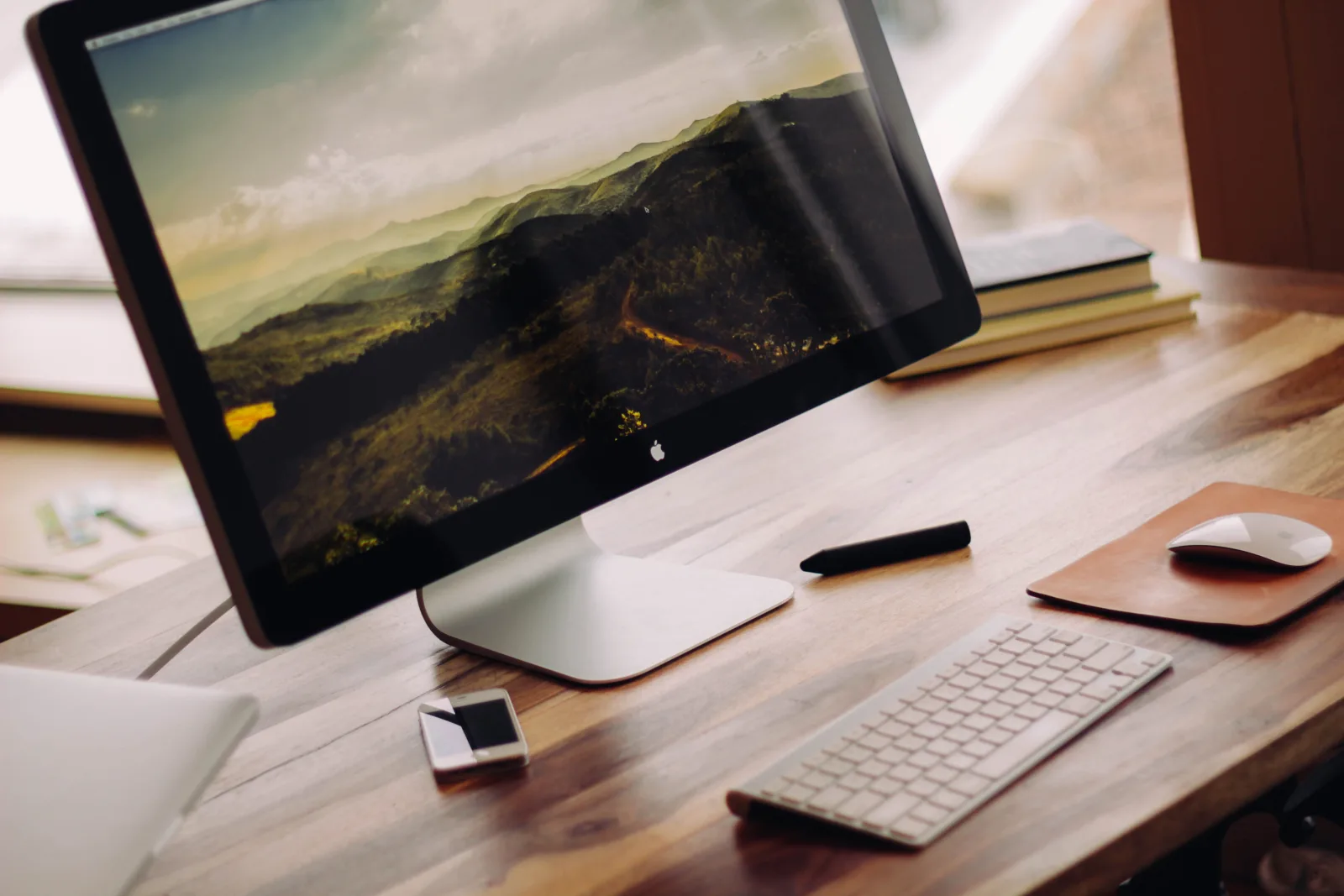
Image: · Luke Chesser · CC0
1440p is the resolution most PC gamers should be buying into in 2026. It is far sharper than 1080p, easier to drive than 4K, and the panels have never been cheaper. A good 27-inch 1440p monitor with a fast refresh rate now sits comfortably under $250 - and the best value options dip below $200. This guide is for gamers pairing a mid-range GPU with a display that does it justice, without paying flagship OLED money.
How to choose
- Size and resolution: 27 inches is the sweet spot for 1440p - the pixel density looks crisp without needing UI scaling. 32-inch 1440p works but looks softer up close.
- Refresh rate: Aim for at least 144Hz; 165Hz and 180Hz are common and cheap now. Higher is smoother for fast-paced games, but the jump from 144Hz upward has diminishing returns.
- Panel type: IPS gives the best color and viewing angles; modern fast-VA offers deeper blacks and better contrast. Both are good - avoid slow, ghosting-prone budget VA panels.
- HDR: Cheap "HDR400" is mostly a checkbox. Real HDR needs local dimming - mini-LED backlights deliver it at surprisingly low prices now.
- Adaptive sync: Make sure it supports FreeSync or G-Sync Compatible to eliminate tearing. Almost all do.
Model availability and pricing vary by region and change often, so confirm current stock and price before buying.
The recommendations
Top pick - AOC Q27G3XMN (or a similar 1440p mini-LED). This is the budget monitor that punches wildly above its price. A 27-inch, 180Hz VA panel with a mini-LED backlight and hundreds of local dimming zones, it delivers genuine, eye-catching HDR that costs many times more elsewhere - typically around $270. Contrast is superb, motion is fast, and for gamers who want real HDR impact on a budget, nothing else at this price comes close.
Best value - Gigabyte GS27Q or LG 27GS75Q (180Hz IPS). Around $180-$200, these 27-inch 1440p IPS panels hit the mainstream sweet spot: 180Hz refresh, crisp color, wide viewing angles, and low input lag. HDR is basic, but for fast, clean, everyday high-refresh gaming with accurate color, this class is exactly what most people should buy. It is the default recommendation for anyone who wants excellent motion and image quality without the mini-LED premium.
Best budget - a 27-inch 1440p 165Hz IPS around $150. When money is truly tight, entry models from brands like KTC, Innocn, or a discounted Gigabyte/AOC IPS still deliver the core 1440p high-refresh experience. You lose some HDR polish, factory calibration, and build quality, but you keep the sharp resolution and fast refresh that matter most for gaming. It is a huge upgrade over any budget 1080p display.
Tips and pitfalls
- Do not overpay for fake HDR. A "HDR400" sticker without local dimming adds little. Either get real mini-LED HDR (the top pick) or ignore HDR and buy on panel quality and refresh rate.
- Match the monitor to your GPU. A 180Hz 1440p panel needs a capable card to feed it. If your GPU struggles at 1440p, a mid-range card upgrade may matter more than a fancier screen.
- Check the ports. Make sure it has DisplayPort 1.4 (or HDMI 2.1) so you can actually hit the advertised refresh rate at 1440p.
- Watch the stand and ergonomics. Budget monitors often ship with tilt-only stands. If you want height and rotation adjustment, factor in a VESA arm.
- Beware overly cheap VA panels. Slow VA can smear in dark, fast scenes. Fast-VA and mini-LED VA are fine; bargain-bin VA is not.
Bottom line: the AOC Q27G3XMN-class mini-LED is the standout for real HDR on a budget, a 180Hz IPS like the GS27Q or 27GS75Q is the smart default, and a $150 IPS gets you into sharp high-refresh 1440p for the least money. All three are massive upgrades over 1080p - pick the one that fits your wallet.